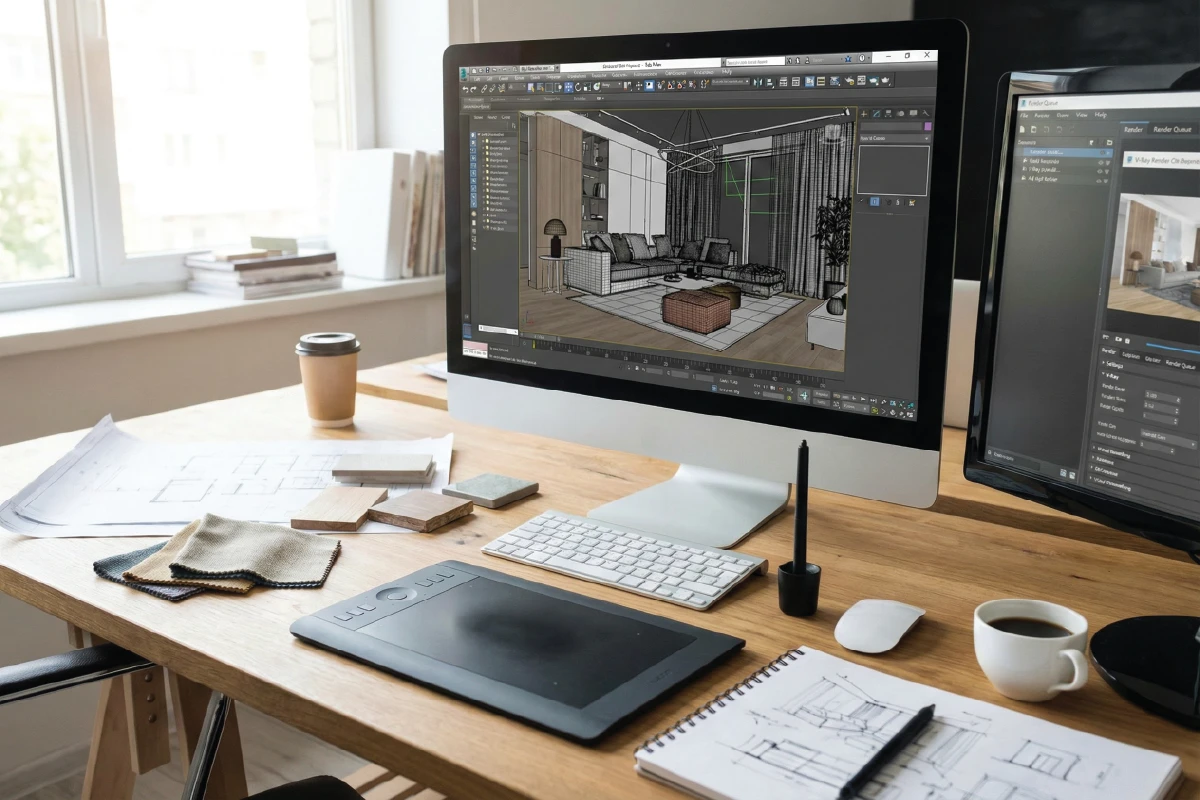
Short answer: interior design in 3ds Max allows designers and architects to create accurate three dimensional models, apply realistic materials, control lighting scientifically, and produce photorealistic renderings that help clients visualize residential and commercial spaces before construction, reducing design risk, improving decision making, and aligning expectations with real world execution.
What Is 3ds Max And Why It Is Used In Interior Design
3ds Max is a professional three dimensional modeling and visualization software widely used by interior designers, architects, and visualization specialists. In interior design, it serves as a bridge between technical drawings and real world perception.
Unlike two dimensional plans, 3ds Max allows designers to build spaces volumetrically. Walls, floors, ceilings, furniture, and lighting are represented as they exist in reality rather than symbols on paper.
In Qatar, where clients often expect clarity and precision before approving interior works, 3ds Max has become an essential design communication tool. It allows homeowners, developers, and commercial clients to see the outcome before committing to construction.
From professional practice, 3ds Max is especially valuable in projects where finishes, lighting atmosphere, and spatial experience play a critical role in decision making.
Role Of 3ds Max In Modern Interior Design Projects
Interior design today is no longer limited to selecting materials and arranging furniture. Clients expect a clear visual narrative that explains how a space will feel, function, and perform.
3ds Max plays a central role in delivering this narrative. It transforms design intent into visual reality.
In residential projects such as villas and apartments in Qatar, 3ds Max helps clients understand:
- Spatial proportions and ceiling heights
- Material combinations and color balance
- Natural and artificial lighting behavior
- Furniture scale within rooms
In commercial interiors such as offices, cafes, and retail spaces, it supports branding, layout optimization, and lighting strategy evaluation.
From experience, projects that use 3ds Max early in the design phase face fewer revisions during execution.
How 3ds Max Fits Into The Interior Design Workflow
3ds Max does not replace architectural drawings or technical documentation. Instead, it complements them by providing a visual layer of understanding.
In a professional interior design workflow, 3ds Max typically comes after space planning and before final material confirmation.
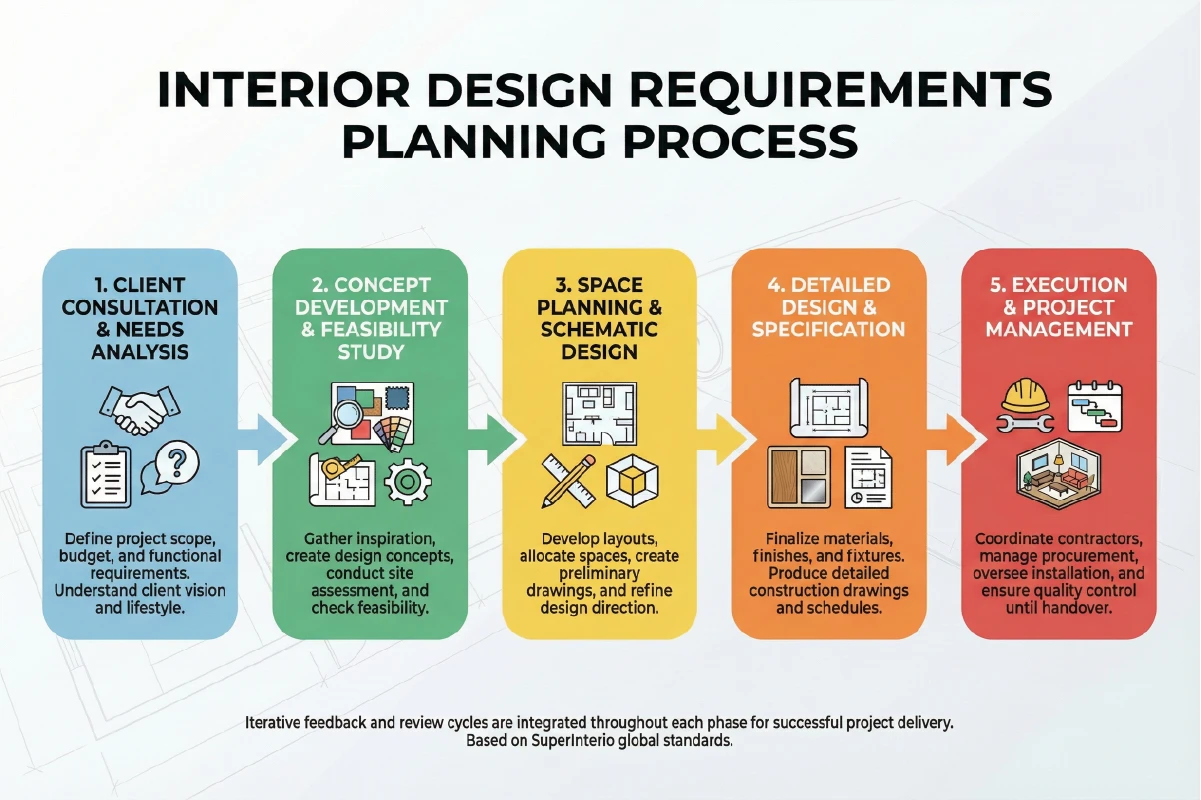
A simplified workflow looks like this:
- Concept and space planning
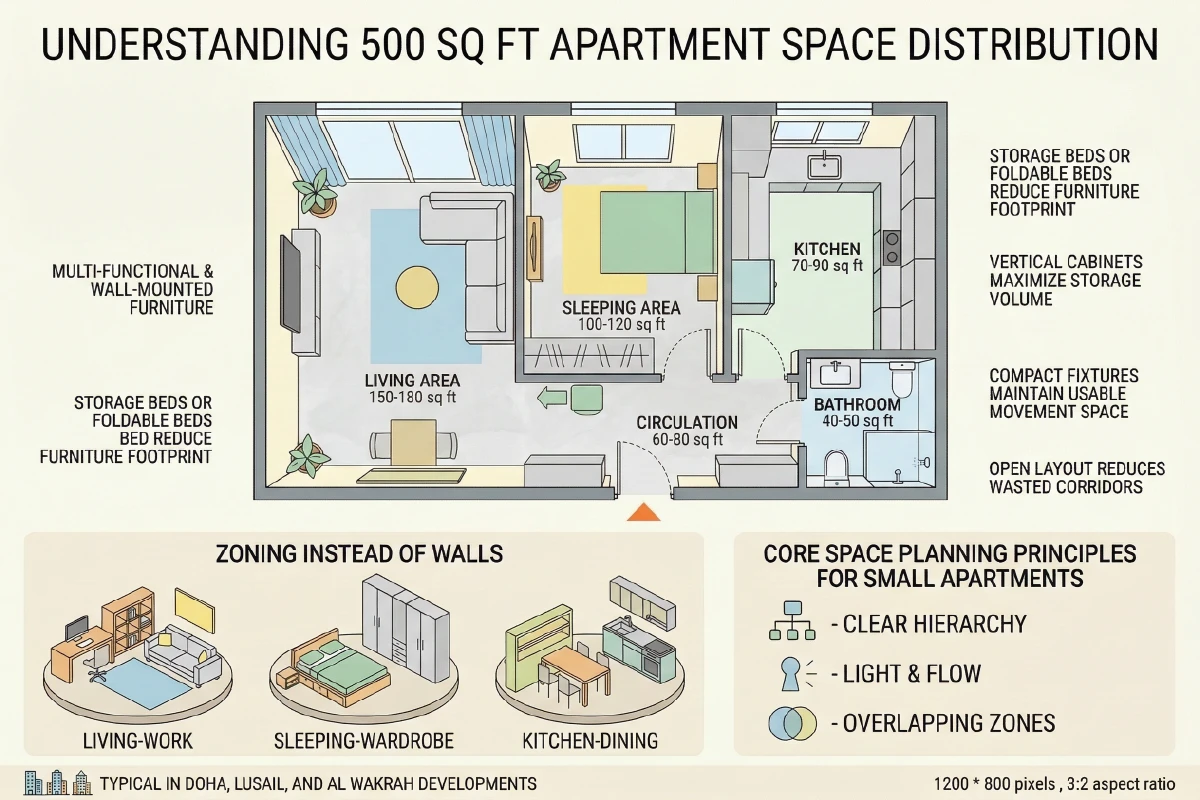
- Preliminary layouts and zoning
- 3D modeling in 3ds Max
- Material and lighting development
- Rendering and client presentation
- Technical drawings for execution
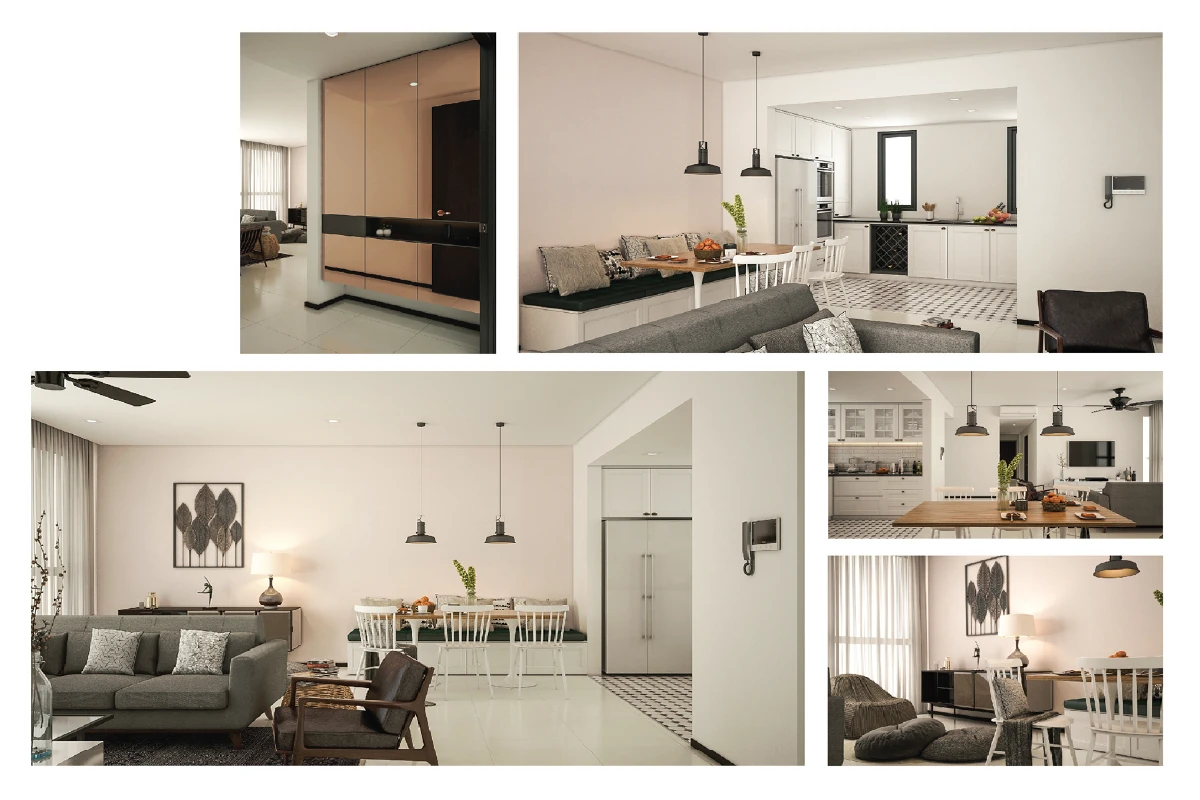
For example, in a Doha apartment renovation, initial layouts were finalized in plan form. These were then translated into a 3ds Max model to study lighting mood and furniture placement before final approval.
Key Takeaways
- 3ds Max Visualizes Reality: It bridges drawings and real spaces.
- Clients Understand Better: Visual clarity improves decisions.
- Workflow Integration Matters: 3ds Max supports design, not replaces it.
- Model Accuracy Is Critical: Correct proportions come before detail.
Rendering Settings In 3ds Max For Photorealistic Interiors
Rendering is where all modeling, materials, and lighting decisions come together. In professional interior design visualization, rendering is not about exaggeration. It is about accuracy and emotional realism.
In Qatar based projects, clients often compare renders with actual completed interiors. This means rendering settings must reflect real light behavior, material response, and camera perception.
From professional practice, effective interior rendering focuses on the following:
- Balanced global illumination settings
- Correct exposure and white balance
- Camera angles that match human eye level
- Controlled contrast and shadow depth
Over bright renders may look attractive on screen but often mislead clients. A realistic render builds trust and reduces post approval changes.
Key Takeaways
- 3ds Max Visualizes Reality: It bridges drawings and real spaces.
- Clients Understand Better: Visual clarity improves decisions.
- Workflow Integration Matters: 3ds Max supports design, not replaces it.
- Model Accuracy Is Critical: Correct proportions come before detail.
Detailed Modeling Techniques For Interior Design In 3ds Max
Once the basic structure is in place, detailed modeling defines the quality of an interior scene. In professional practice, this stage separates generic visualizations from design accurate representations.
In Qatar based projects, clients are often familiar with international design references. This means furniture proportions, joinery details, and architectural edges must feel realistic and refined.
From experience, effective interior modeling in 3ds Max follows these principles:
- Model to real world scale using architectural units
- Avoid unnecessary geometry that increases render time
- Use modifiers intelligently instead of destructive edits
- Maintain clean topology for smoother rendering
For example, instead of modeling every edge detail, bevel modifiers can be applied selectively to create realistic light interaction without overloading the scene.
Furniture And Joinery Modeling Best Practices
Furniture modeling requires a balance between realism and efficiency. In interior design visualization, furniture must look authentic without being over modeled.
In Qatar residential interiors, custom joinery is common. Wardrobes, kitchen cabinets, TV units, and wall panels are often designed specifically for each project.
Best practices for joinery modeling include:
- Separate carcass and shutter geometry
- Model visible edges with subtle rounding
- Use instanced elements for repeated components
- Maintain consistent thickness for realism
In a Lusail apartment project, accurate joinery modeling helped the client approve cabinet proportions before fabrication, avoiding costly site changes.
Material Creation And Texturing For Realistic Interiors
Materials define the emotional tone of an interior visualization. Even a perfectly modeled space can look flat if materials are not developed correctly.
In professional workflows, material creation focuses on how surfaces react to light rather than just color selection.
Effective material setup in 3ds Max typically involves:
- Using physically based materials
- Correct reflection and roughness values
- High quality texture maps with proper scaling
- Subtle variation to avoid artificial uniformity
For example, marble flooring should reflect light softly rather than appearing mirror like. Wood finishes should show grain direction and tonal variation.
In Qatar interiors, materials such as stone, wood veneer, fabrics, and metals are frequently used. Accurate texturing helps clients recognize real materials they plan to use.
Understanding Lighting Principles In 3ds Max For Interiors
Lighting is the most critical element in interior rendering. It determines mood, depth, and realism more than any other factor.
From architectural experience, lighting in 3ds Max should mimic real world behavior rather than simply illuminating objects.
Interior lighting design typically combines:
- Natural daylight through windows
- Ambient artificial lighting
- Accent and task lighting
In Qatar projects, daylight conditions are strong. Proper sun positioning and exposure control are essential to avoid overexposed interiors.
Artificial Lighting Setup For Interior Scenes
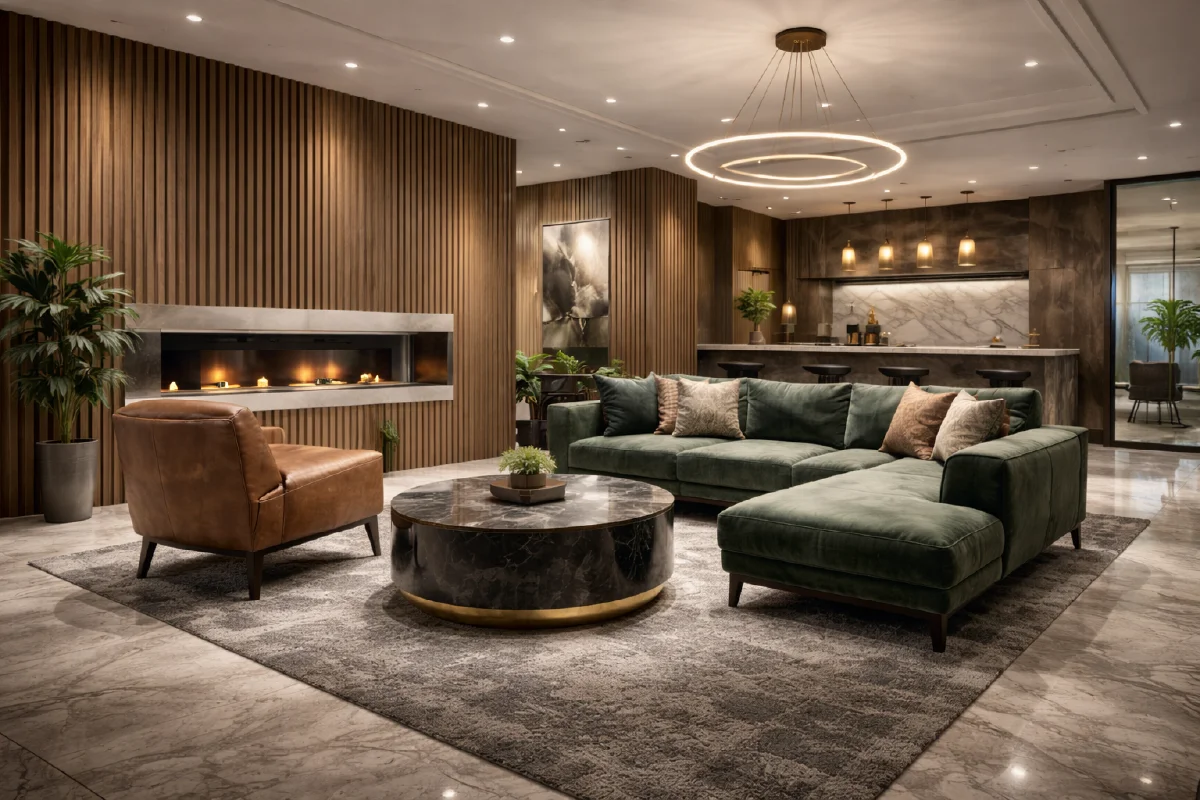
Artificial lighting brings interiors to life after sunset and defines the atmosphere of residential and commercial spaces.
From professional practice, artificial lighting in 3ds Max should reflect real fixture behavior rather than acting as generic light sources.
| Lighting Type | Typical Use | Design Impact |
|---|---|---|
| Downlights | General illumination | Even light distribution |
| Wall Washers | Feature walls | Enhances texture |
| Pendant Lights | Dining and seating | Visual focus |
| Indirect Lighting | Coves and ceilings | Soft ambient glow |
Accurate intensity values, color temperature selection, and falloff settings help interiors feel believable rather than theatrical.
Key Takeaways
- Model With Precision: Accuracy builds trust in visuals.
- Materials Drive Realism: Light interaction matters more than color.
- Lighting Defines Mood: Natural and artificial balance is essential.
- Efficiency Improves Quality: Clean modeling renders better.
Rendering Settings In 3ds Max For Photorealistic Interiors
Rendering is where all modeling, materials, and lighting decisions come together. In professional interior design visualization, rendering is not about exaggeration. It is about accuracy and emotional realism.
In Qatar based projects, clients often compare renders with actual completed interiors. This means rendering settings must reflect real light behavior, material response, and camera perception.
From professional practice, effective interior rendering focuses on the following:
- Balanced global illumination settings
- Correct exposure and white balance
- Camera angles that match human eye level
- Controlled contrast and shadow depth
Over bright renders may look attractive on screen but often mislead clients. A realistic render builds trust and reduces post approval changes.
Camera Setup And Composition For Interior Renders
Camera setup is as important as lighting. A poorly framed render can distort proportions and misrepresent the design.
From architectural visualization experience, interior cameras should replicate how a person naturally views a space.
Key camera principles include:
- Eye level camera height between 1400 and 1600 millimeters
- Moderate focal length to avoid distortion
- Balanced framing that shows depth and circulation
- Avoiding extreme wide angles in small rooms
For example, in a Doha villa living room render, adjusting camera height and angle made the ceiling feel proportionate and the seating arrangement more inviting.
Post Processing And Final Output For Client Presentations
Post processing enhances a render without altering the design intent. It should refine, not redesign.
In professional workflows, post processing is used to:
- Adjust brightness and contrast subtly
- Correct color balance
- Sharpen key details
- Maintain consistency across multiple views
For Qatar clients, consistency across all interior views is crucial. Living spaces, bedrooms, and kitchens should feel part of the same design narrative.
Real World Qatar Interior Design Case Using 3ds Max
Let us consider a real world inspired project for a luxury apartment in The Pearl. The client wanted a calm modern interior with warm lighting and minimal detailing.
Initial layouts were approved in plan. A full 3ds Max model was then developed to study material combinations and evening lighting mood.
Through controlled lighting setup and realistic rendering, the client clearly understood how indirect lighting and textured walls would feel at night. The design was approved with minimal revisions.
During execution, the completed interior closely matched the renders, reinforcing client confidence and design credibility.
Professional Tips For Interior Designers Using 3ds Max
Years of professional use reveal patterns that improve both efficiency and output quality.
- Start with clean and accurate models
- Build a personal material library based on real projects
- Test lighting early rather than at the end
- Render at realistic exposure levels
- Use fewer views with higher quality
Moreover, interior designers should treat 3ds Max as a design decision tool, not just a presentation tool.
Frequently Asked Questions
Is 3ds Max Necessary For Interior Design Projects
While not mandatory, it significantly improves client understanding and reduces execution risk.
How Accurate Are 3ds Max Interior Renders
Accuracy depends on modeling, materials, and lighting discipline. When done professionally, renders closely match real outcomes.
Can 3ds Max Be Used For Both Residential And Commercial Interiors
Yes. It is widely used for villas, apartments, offices, retail, and hospitality projects.
Does Using 3ds Max Increase Project Cost
It adds design value but often reduces costly site changes and revisions.
Key Takeaways
- 3ds Max Enhances Clarity: Clients see spaces before they exist.
- Lighting And Materials Matter: Realism builds trust.
- Rendering Supports Decisions: It reduces design risk.
- Professional Discipline Is Key: Accuracy outweighs exaggeration.
References
- Professional Interior Visualization Practice
- Architectural Lighting And Rendering Standards
- Residential And Commercial Interior Design Workflows